

Time: 2026-10-13 Views:
In food and beverage, service rarely fails in the kitchen. It fails in the handoff between taking an order, sending it to the pass, and getting paid. One commercial tablet, configured for each of those moments, closes the gaps without adding headcount.
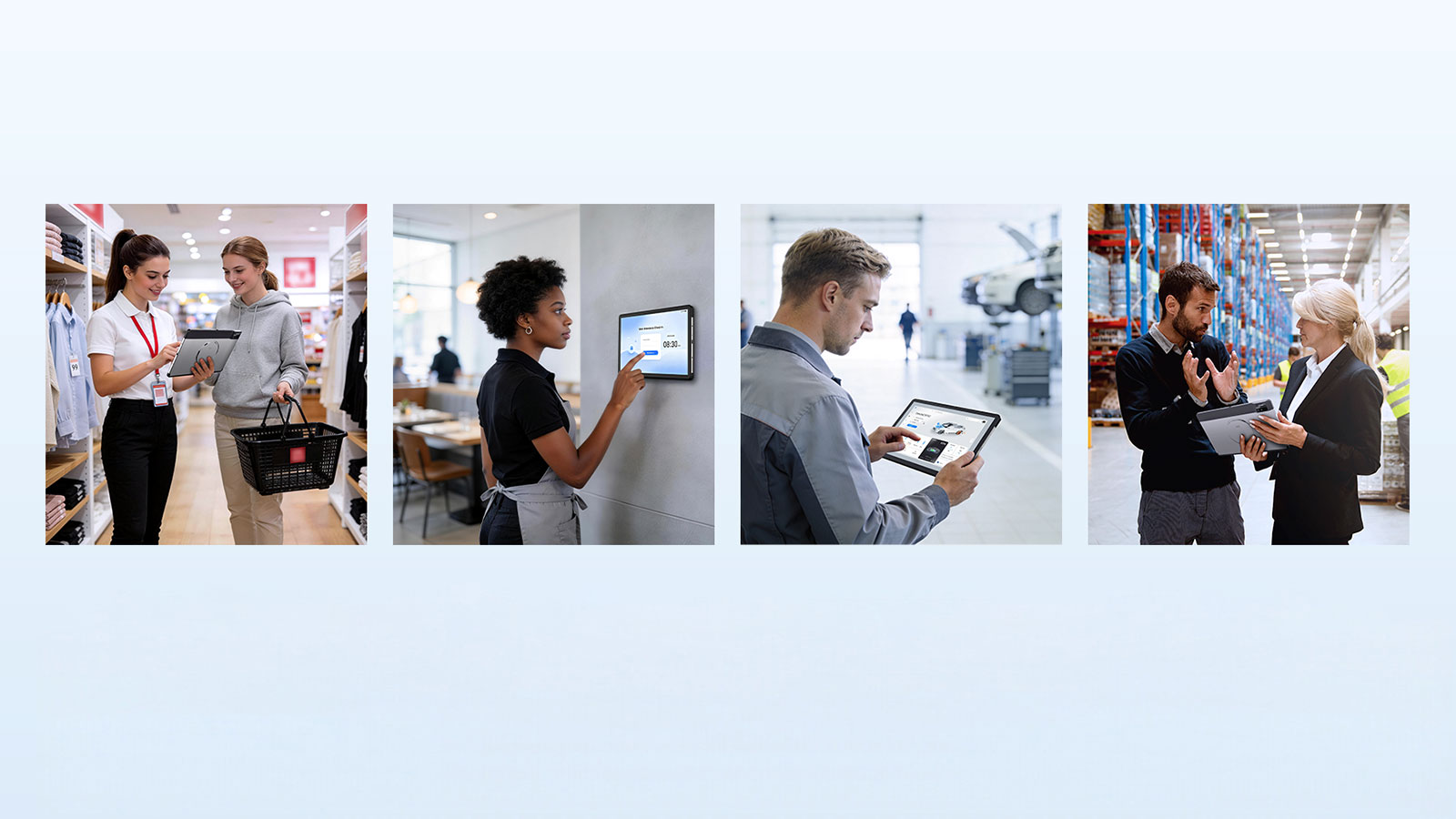
A full dining room rarely loses money on the food. It loses money in the minutes around the food, between a guest sitting down and the kitchen receiving a correct order, and again between "may we have the bill" and a completed payment. Labour cost, order errors and turn-time pressure all compound inside that gap. Closing it has less to do with hiring faster than with what the tablet in a server's hand can actually do.
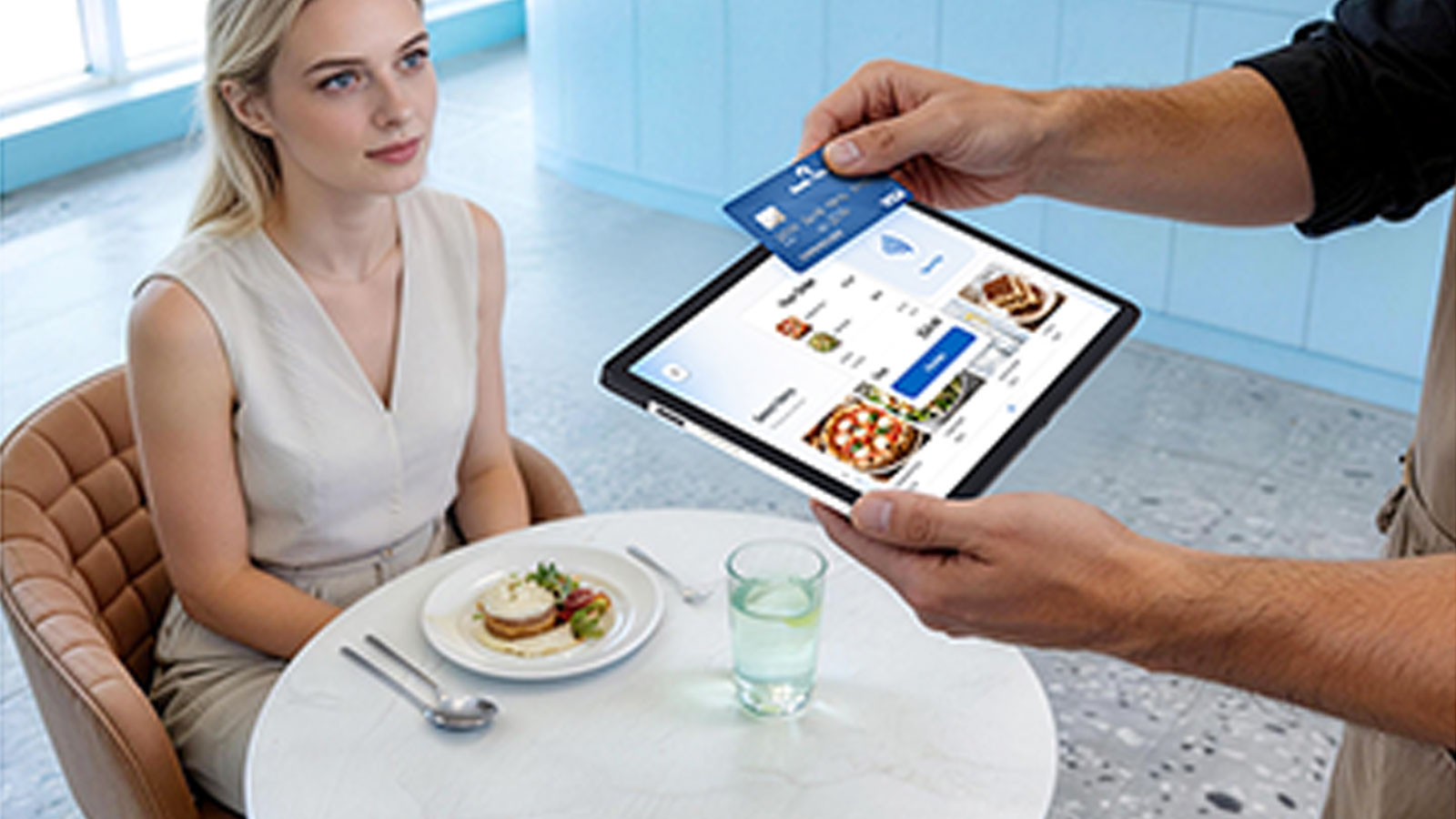
Restaurant service is a chain of handoffs. Each one is a place where a general-purpose device slows down or a single-purpose device cannot follow. Four moments carry most of the risk.
| Service moment | What usually goes wrong | What the device has to do |
|---|---|---|
| Order capture at the table | Handwritten tickets get re-keyed at a terminal, and special requests are lost in the retelling | Run the ordering app on a screen a server can read and use without clean, dry hands |
| Kitchen handoff | Orders wait at the pass, or arrive with ambiguities the kitchen has to chase | Push a confirmed order straight to the kitchen display system, with no manual step |
| Payment | The guest waits for a card reader to be carried over, or queues at a fixed counter | Take a certified contactless payment at the table, on the same device |
| Staff and stock tasks | Shift check-in, manager approvals and stock checks live on separate hardware | Authenticate staff and scan items without swapping devices mid-shift |
When each of these runs on different hardware, every handoff adds a step. When one device can hold all four, the handoffs collapse into a single workflow.
Re-keyed orders. Every order written by hand and typed into a terminal later is a chance to introduce an error. Errors cost a remake, a comped dish, and the goodwill of a table that now waits longer than everyone around it.
Peak-hour bottlenecks. Throughput in a busy room is usually limited by the checkout hardware, not by the staff. When payment only happens at a fixed station, the queue forms exactly when tables are turning fastest.
Thin margins under rising cost. Cost pressure in food service is structural, not seasonal. In the U.S. market, 96% of operators called labour costs a significant challenge and 95% said the same of food costs, while 42% reported their business was not profitable in 2025, according to the National Restaurant Association's 2026 State of the Restaurant Industry report. Anything that removes a step without removing a person protects the margin directly.
Hardware that cannot take a dining room. Frontline devices spend their working life near heat, grease, spilled drinks and wet floors. Consumer-grade tablets repurposed for enterprise workloads, and closed accessory ecosystems that force a new purchase for every new scenario, both drive up total cost of ownership over a two-to-three-year service life.
The shift in food and beverage is from a fixed point of sale to a device that moves with the service. Interest is measurable. In the U.S. market, 30% of restaurants planned to invest in self-order and self-pay technology such as kiosks or tablets in 2025, and 49% planned to invest in contactless ordering and payment, per the National Restaurant Association's 2025 State of the Industry report. The practical question is how one device covers the floor, the counter and the pass.
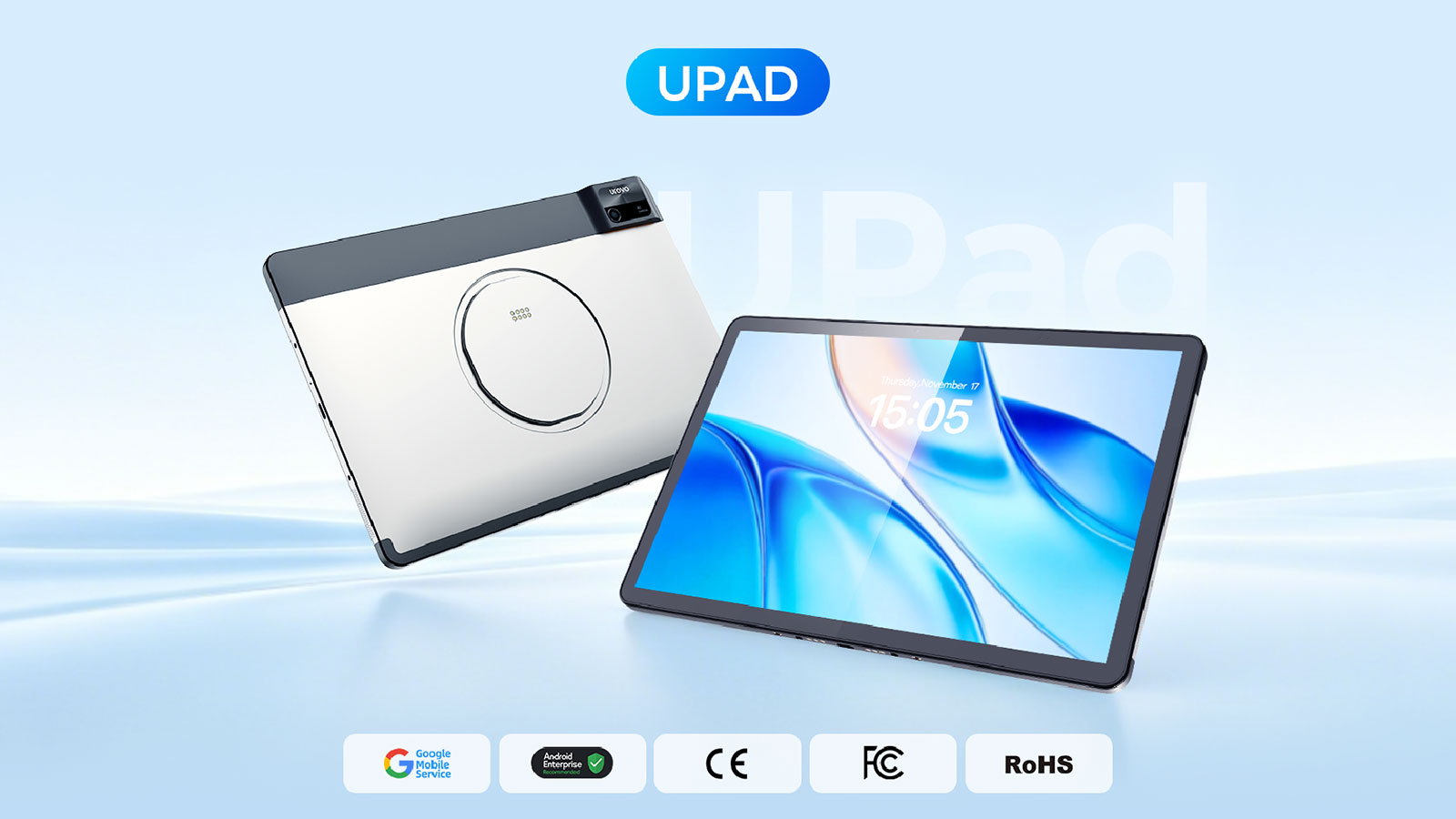
On the floor, a server carries the tablet, opens the order at the table, adds modifiers, sends it to the kitchen display system, and takes payment on the spot through on-screen NFC. The UPad is built for this loop: it weighs 542 g, sits in a 256 x 169 x 9 mm metal body, and its 11-inch WUXGA display (1920 x 1200, 450 nits) supports bare, gloved and wet-finger input with water-droplet rejection and an anti-smudge coating.
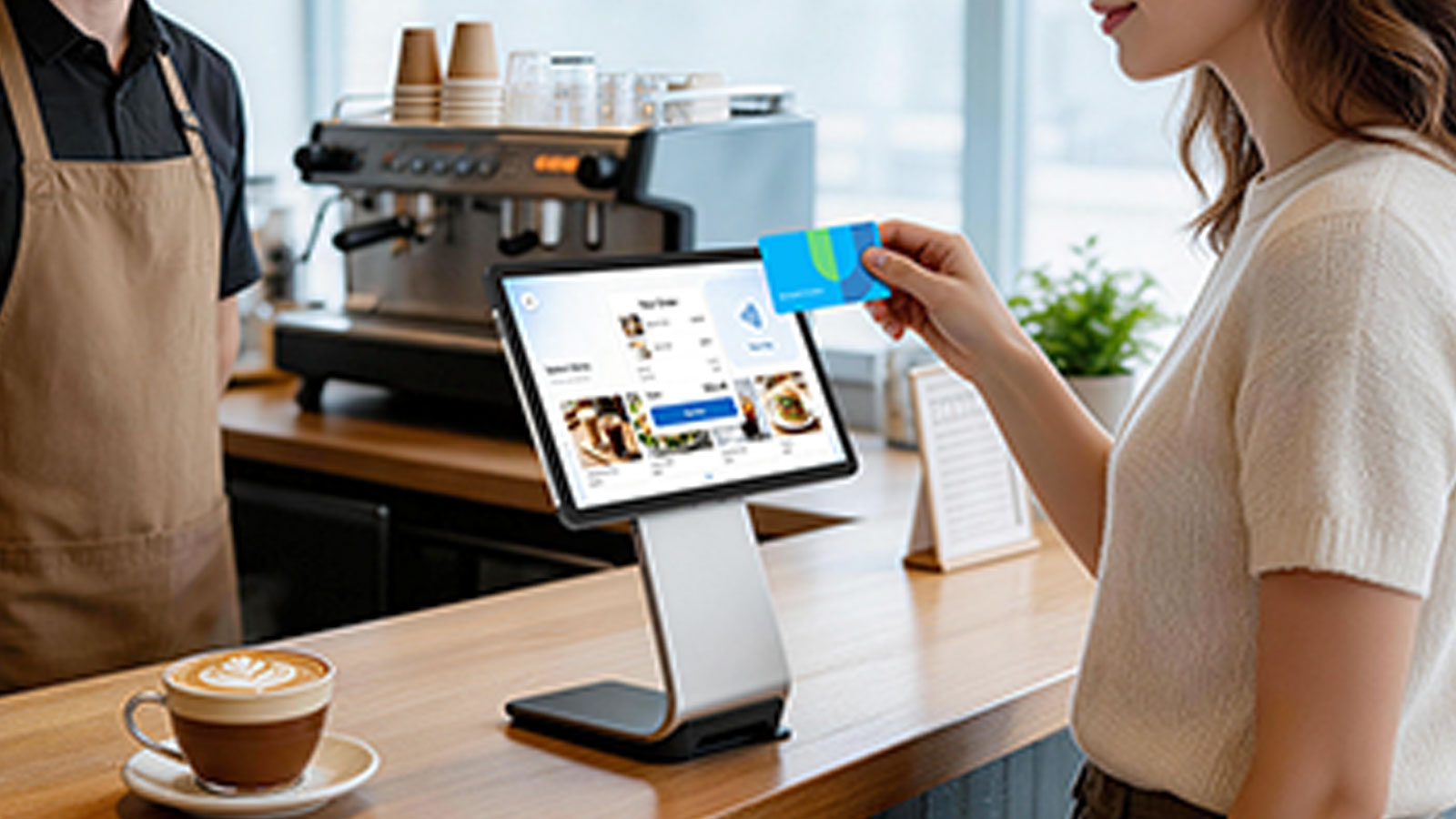
At the counter, the tablet drops into a magnetic docking station that flips between staff and guest. The screen rotates from 75 to 145 degrees, so a guest can complete a self-service order or a staff member can run an assisted checkout on the same hardware. The dock adds two USB-A ports, USB-C and a wired Ethernet port for a stable connection in a busy room, and it charges the tablet with or without the rugged case fitted.
For a full POS station, a Ustation Max adds a built-in 80 mm thermal printer with automatic cutter running at up to 250 mm/s, a cash-drawer connection, RJ45, RJ12 and a COM serial port. That removes the separate receipt printer from the counter, along with its cable and its footprint.
Specifications only matter where they map to an action on the floor. The table below translates the UPad specification into what a food and beverage operator can expect during service.
| Specification | What it means during service |
|---|---|
| Qualcomm octa-core 2.2 GHz on a 4 nm process | Ordering and payment apps stay responsive when a room fills at once |
| Android 16, upgradable to Android 20 | A longer security and feature runway before the fleet needs replacing |
| 8,000 mAh battery with AI-assisted charging | One charge covers a full shift; smart charging protects battery health over years |
| Wi-Fi 6E, tri-band 2.4/5/6 GHz, 2x2 MU-MIMO | Stable coverage from the front door to the back office, even in crowded venues |
| Optional Wi-Fi HaLow | Longer-range coverage for large or multi-room sites |
| SoftPOS with on-screen NFC, CPoC compliant | Certified contactless card acceptance at the table, not only at a counter |
| Fingerprint sensor in the power button | Fast, individual sign-in for staff and manager approvals |
| IP54 sealing and 1.2 m drop resistance with the rugged case, tested to MIL-STD-810H | Survives the knocks, spills and wet floors of daily service |
| Standard-range 1D/2D scan engine | Reads loyalty codes, vouchers and member cards without a second device |
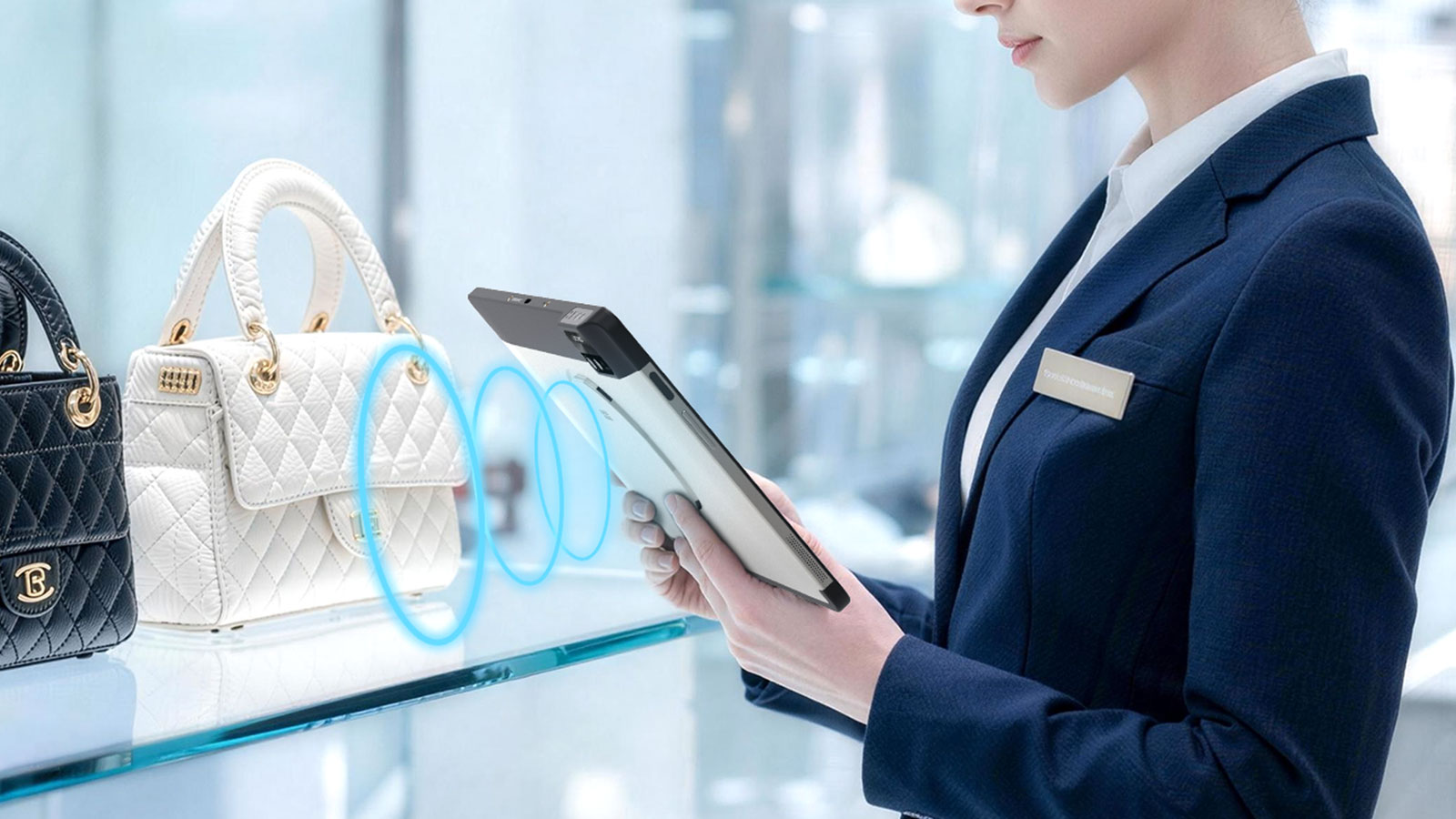
| Optional built-in UHF RFID, Impinj E-series with Gen2X | Bulk stock and asset reads for back-of-house and dry-store checks |
The device also carries the enterprise layer that a multi-site operator needs: UROVO UMS for centralised deployment and monitoring, U-Stage and OEMConfig for provisioning, and support for common EMM platforms, so a rollout across ten sites is managed once rather than ten times.
UROVO's public material for UPad describes the platform and its configuration options; it does not publish restaurant-specific results, so the figures below are industry benchmarks to plan against, not outcomes from a named deployment.
Set your own baseline before a pilot: orders per server per hour, percentage of tickets sent back for correction, average time from "bill requested" to payment, and covers per table per service. These are the numbers a tablet deployment should move, and the numbers that justify the next site.
Share your floor plan and peak-hour volumes, and our team will recommend the tablet and accessory configuration that fits your operation.
Talk to our team +86-13827760889
 info@wepoy.com


Our Products

Industries
About Us


 Spanish