

Time: 2026-10-14 Views:
For decades the point of sale was a destination. That assumption is now the bottleneck. As payment capability moves into the aisle, the table and the queue, screen size, weight and battery life start to decide throughput.
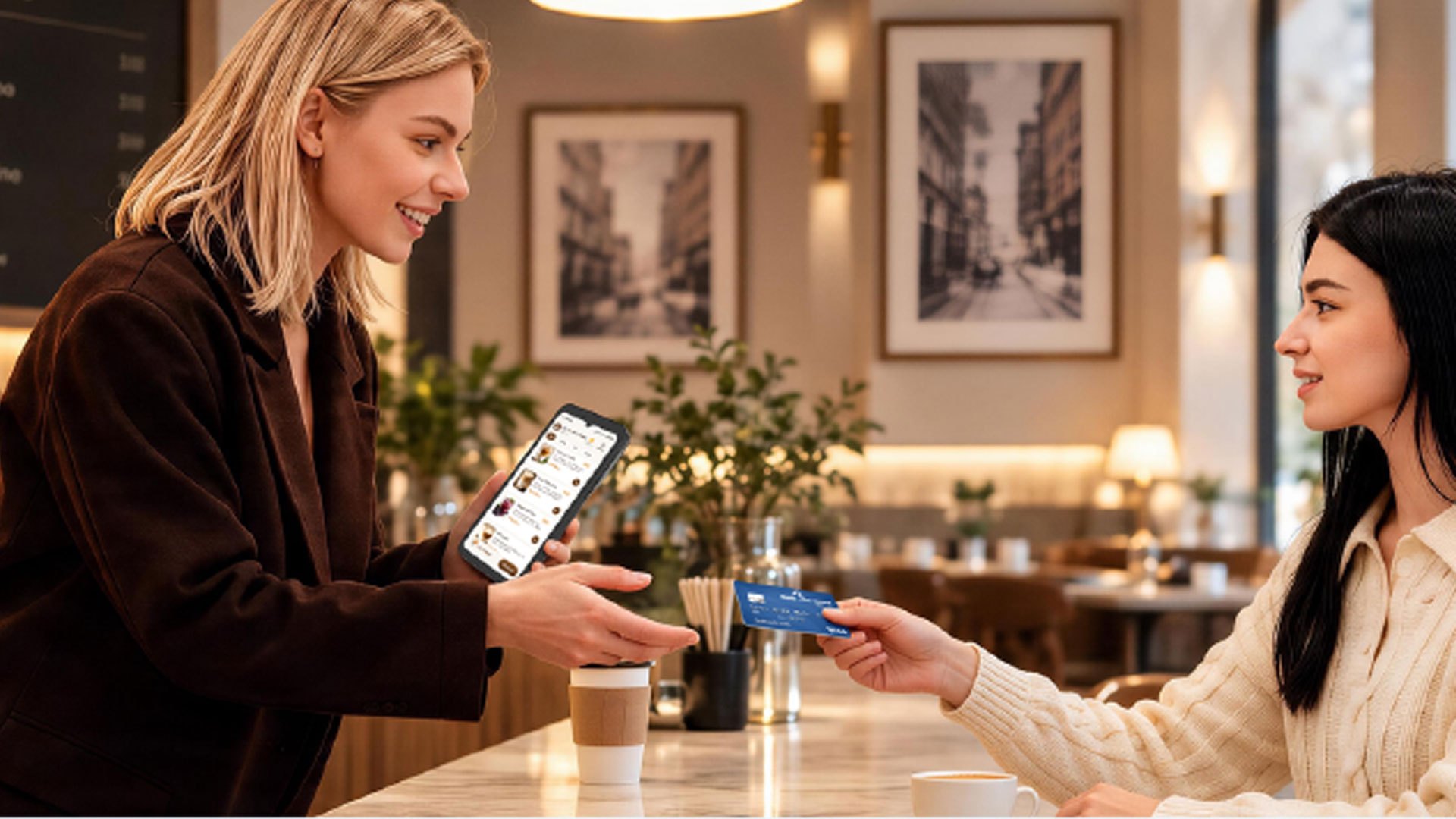
For most of retail's history, the point of sale was a physical assumption rather than a decision. A counter, a lane, a fixed terminal — customers came to the checkout, and throughput was decided by how many lanes a store could staff and fit. Store layouts were drawn around that assumption. Staffing rotas were built on it. For decades it worked, because payment genuinely was something that could only happen in one place.
That model has quietly stopped being the best option on the floor, and it did not stop because counters broke. It stopped because the work of selling moved. Associates now advise customers standing in the aisle rather than at a service desk. Servers settle bills at the table rather than at a till near the kitchen. Pop-up stands, seasonal floors and event-based selling appear and disappear faster than fixed infrastructure can follow them. When every one of those moments still ends in the same walk back to a register, the register stops being the end of the journey and becomes the slowest step of it.
The shift shows up in both market data and merchant behaviour, and the two reinforce each other.
The global handheld point of sale market was estimated at USD 36.68 billion in 2026 and is projected to reach USD 80.65 billion by 2034 — a CAGR of 10.35% over the period. The stated driver is not novelty but demand for mobile, portable and contactless acceptance that improves customer convenience and operational efficiency across retail, hospitality and field service (Precedence Research, Handheld Point of Sale Market). Notably, the fastest-growing use case within that market is not payment itself but inventory and price check — a signal that the value of a handheld device is increasingly tied to the work it enables around the transaction, not only the transaction.
Industry analysis of commerce trends for the same period frames the change in starker terms: payment is no longer a place but a capability — one that follows the customer wherever commerce happens. The same analysis observes that more than 85% of midsized US retailers already rely on mobile POS solutions, with adoption concentrated in environments where speed and coordination matter most, such as venues, healthcare facilities and transport hubs. It also identifies handheld line-busting devices as the mechanism that compresses queues and raises throughput during peak periods.
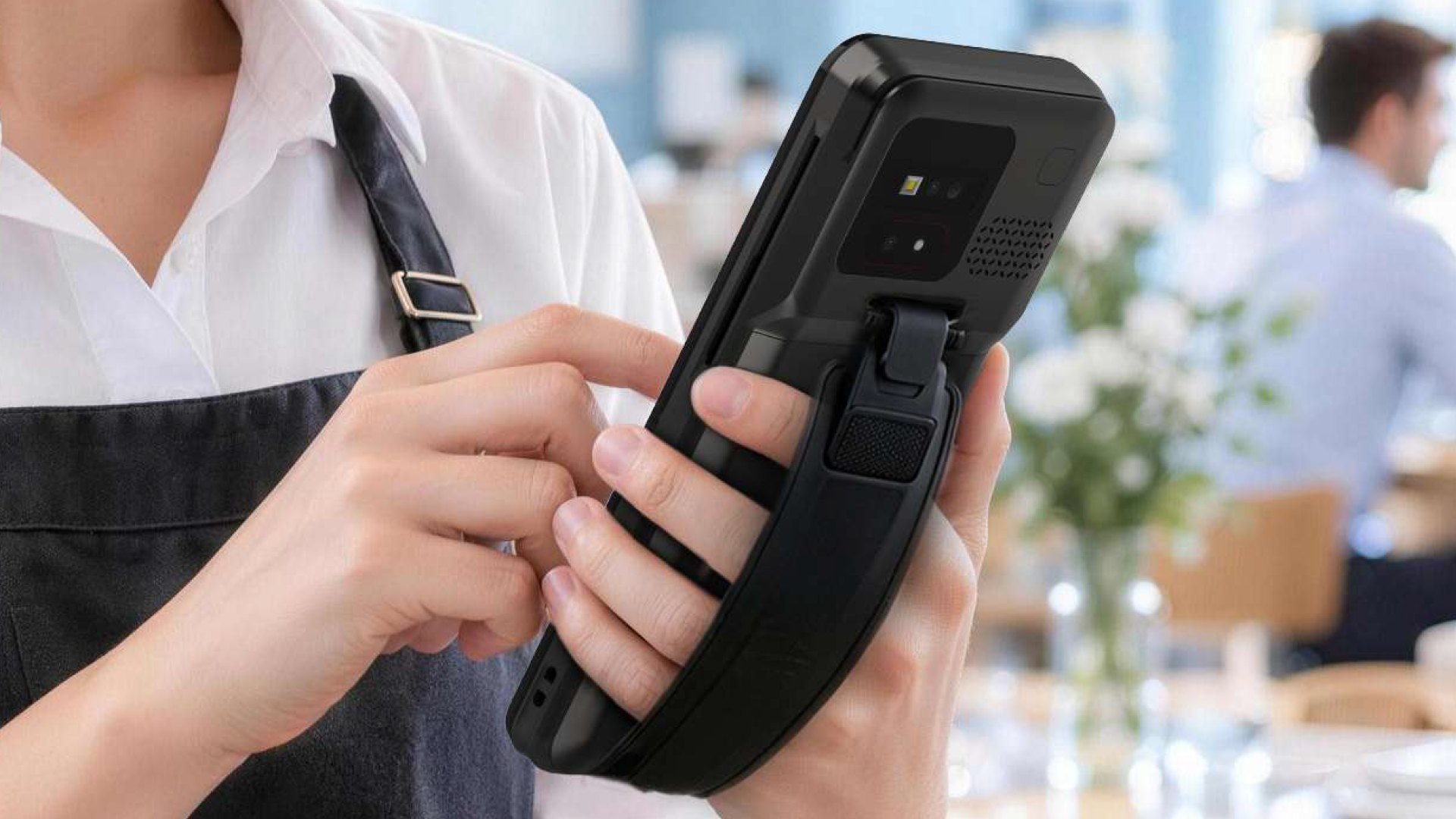
Read together, those observations describe something more specific than a growing device category. They describe a change in where a transaction is allowed to finish — and once that constraint is lifted, the hardware requirements change with it.
A fixed terminal performs three separate jobs in one location: identify the items, take the payment, and hand over the receipt. Concentrating them made complete sense when the only way to complete a sale was to be physically connected to it. The register was the only device that could do the work, so everything had to come to the register.
It stops making sense when the first and third jobs have already moved elsewhere. Associates look up price and stock in the aisle on handheld devices. Customers decide what to buy before they reach a queue, often after comparing options on their own phones. What remains at the counter is the payment step — and because it is fixed, that single step now holds an entire transaction hostage.
a queue is rarely caused by slow customers. It is caused by a transaction that has to travel back to a fixed location in order to finish.
The operational cost of that constraint appears in four recurring places:
None of these are payment problems in the narrow sense of accepting a card. They are layout and staffing problems — and a fixed terminal makes them permanent.
Once payment moves to where the customer is, the device changes category. It is no longer a counter fixture that stays where it is installed; it becomes a tool carried through an entire shift. That changes the specification priorities in ways that are easy to underestimate — and the changes are not simply "smaller is better."
The UROVO i9600 Mini — a 6.745" Smart MiniPOS terminal — is a useful illustration of what those priorities look like when they are designed in from the start rather than added on later.
Screen size is a service feature, not a nicety. At 6.745" HD+ (720×1600), the display has enough room for an order summary, a payment screen and product information at the same time. That matters most in the assisted-selling moment: staff can review a basket, apply a discount, confirm a total and show the customer the result without turning the device away or handing it over. A screen too small to display the transaction forces the customer to take the payment step on trust, which is a poor substitute for transparency at the moment money changes hands.
the screen is the only interface the customer can see. If it cannot show the transaction, mobile checkout loses the transparency that makes it trustworthy.
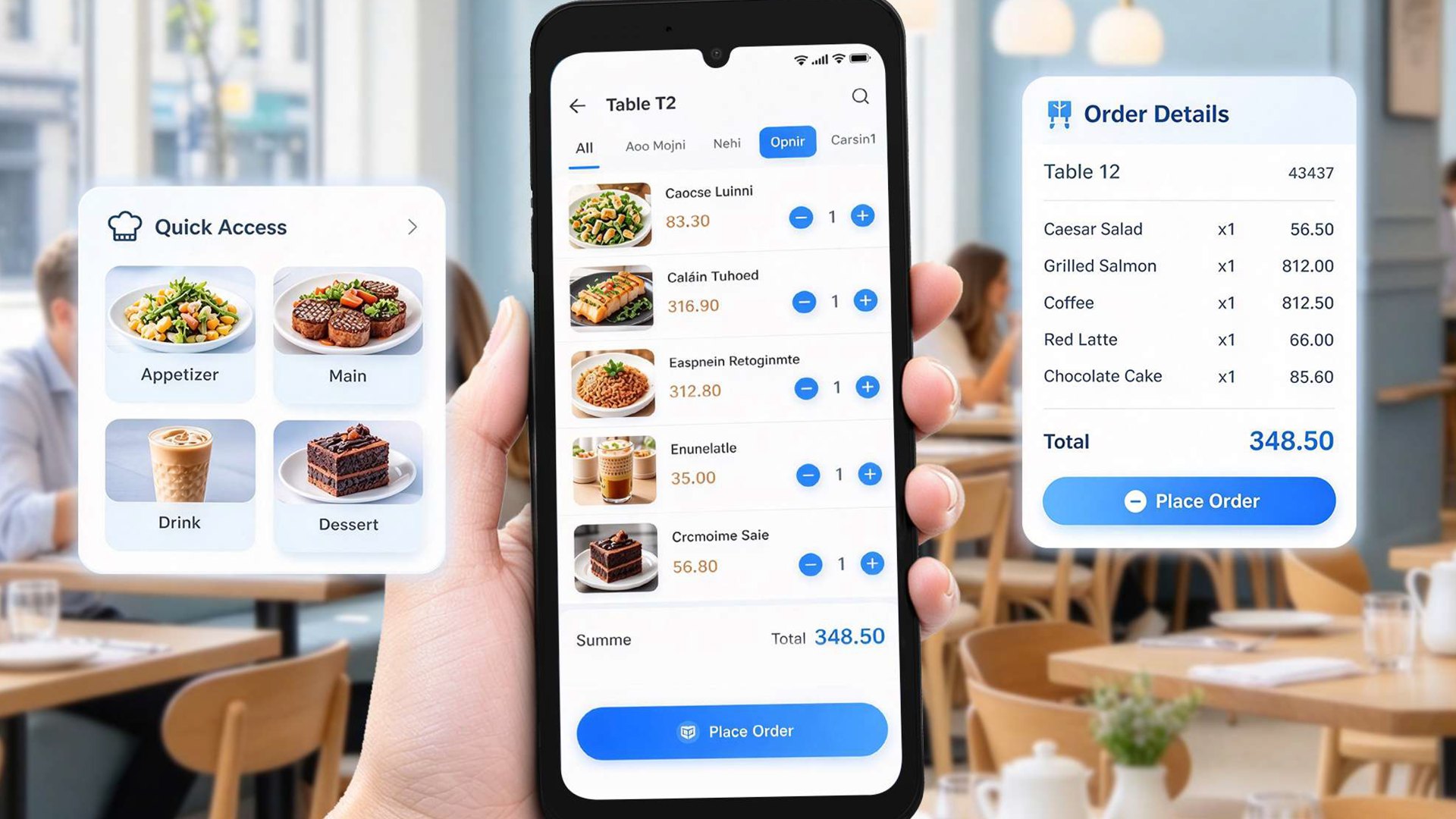
Weight and thickness decide whether it gets carried at all. The i9600 Mini measures 177 × 79.8 × 16.8 mm, weighs 298 g, and takes an optional hand strap for secure handling during continuous service. This is the specification that quietly determines adoption, and it is the one most often overlooked in procurement. A device designed for the aisle, the table and the queue is held in one hand for a full shift, sometimes while the other hand is doing something else entirely. Hardware that is awkward to carry does not get carried — it gets left on a counter, and the operation quietly returns to the bottleneck it was trying to remove. Lighter and slimmer is not a cosmetic preference here; it is the difference between a device that changes how staff work and one that does not.
Battery life is throughput, not convenience. The removable 5,000 mAh battery is specified for a full working day of mobile use. In practice that specification is what makes queue busting viable during a peak: a device that needs to be returned to a charger mid-shift is a device that cannot be sent to where the queue is, which is exactly when it is needed. Removability matters as much as capacity, and for a practical reason — a depleted battery can be swapped in seconds rather than taking the whole device out of service for a charging cycle. In a deployment of any size, that difference decides how many spares a fleet needs.
Charging has to survive the way devices are actually handled. The i9600 Mini's optional magnetic pogo-pin charging is specified as snap-on, self-aligning, breakaway-safe and dust-resistant. Each of those four properties answers a specific failure seen in the field: alignment that requires two hands, connectors that wear out from repeated insertion, cables that are damaged when a device is lifted off a dock in a hurry, and dust that accumulates in exposed contacts. Fast, convenient top-up charging between tasks is what keeps devices in rotation instead of waiting in a queue of their own.
Payment acceptance has to be complete and certified. The i9600 Mini reads magnetic stripe, chip and contactless cards, with a contactless notification LED giving the customer clear transaction feedback. On the compliance side it carries PCI PTS 6.x, EMV L1 & L2 and EMV Contactless L1 certification, along with Mastercard Contactless and Visa payWave support. This is the specification that determines whether a device can be deployed at all in a given market — and it is the hardest one to retrofit, because certification is not a feature that can be added by a software update. It is why certified acceptance is where a mobile deployment should start, not where it ends.
The reason MiniPOS is spreading beyond payment is straightforward: the same device can carry the adjacent workflows, and the alternative is a second device, a second battery and a second charging routine to manage.
The i9600 Mini's platform supports that directly. Android 13 on a quad-core 2.0 GHz processor — with an optional octa-core configuration for heavier workloads — provides a business-ready base for both payment and application software, backed by 2 GB RAM and 16 GB ROM. An optional professional scan engine adds barcode and QR capture for price checks, stock lookups and ticketing. Optional front and rear cameras — 2 MP or 16 MP front, 5 MP or 16 MP rear — extend the device to loyalty enrolment, identification and ticketing workflows. 4G LTE, dual-band Wi-Fi and Bluetooth 5.0 keep it connected on the move, with GPS, A-GPS, BEIDOU, GLONASS and Galileo positioning for field and delivery use. And flexible SIM, eSIM, SAM and microSD configurations accommodate different deployment and security requirements without forcing a single hardware variant on every market.
The practical effect is that the device taking the payment can also check the price, confirm stock, enrol a loyalty member and scan a ticket — without a walk to a fixed station, and without a second device to charge, sync and replace.
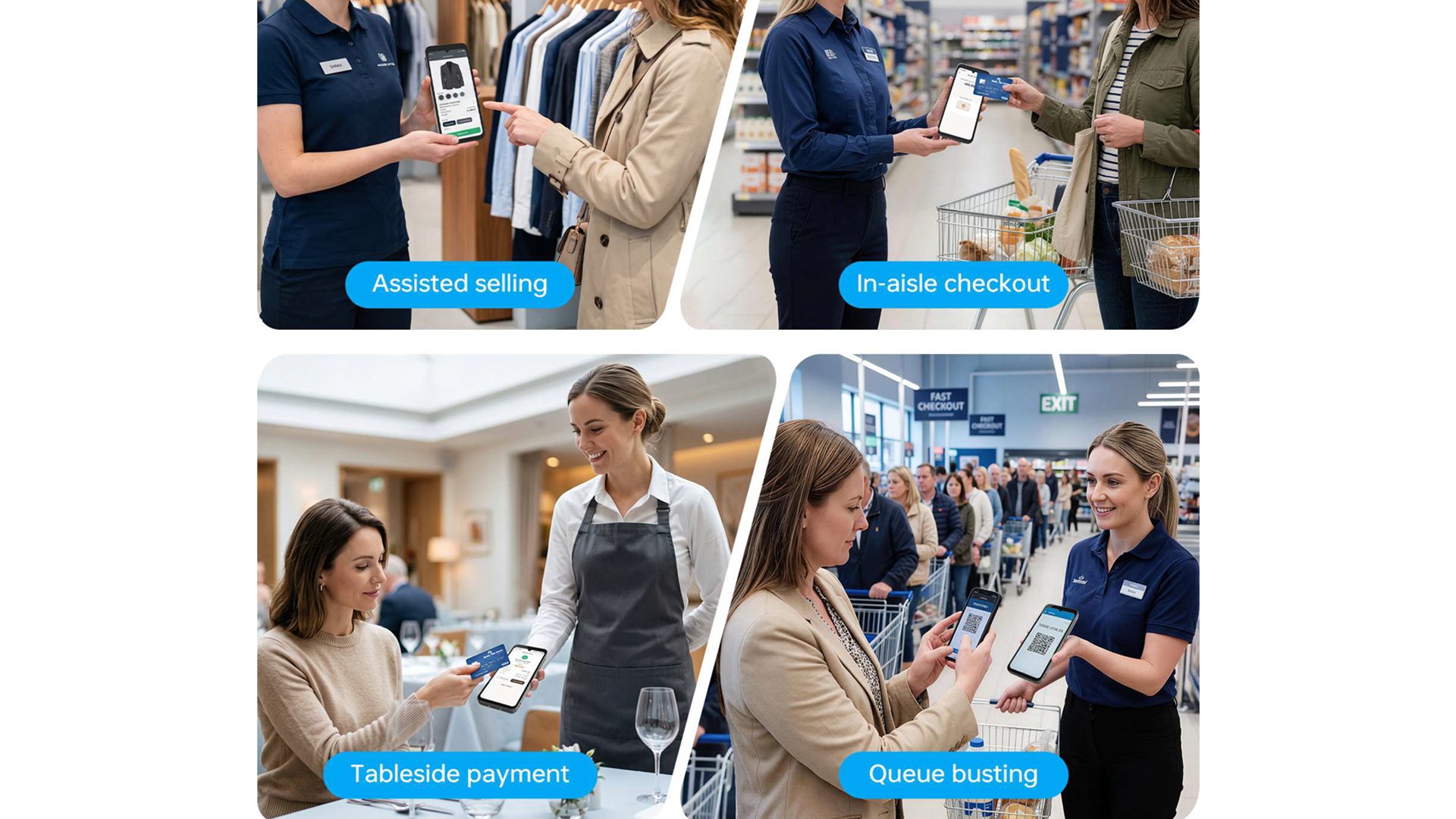
Four service moments account for most of the value in mobile acceptance, and they share one requirement — that the device is physically present when the customer is:
None of these require a new business model or a change to how a store is managed. They require a terminal that is light enough to carry, visible enough to trust, powered enough to last a shift, and certified enough to accept the payment legally. That combination — rather than any single headline specification — is what a mobile deployment actually depends on.
For retail and hospitality operators evaluating mobile acceptance, the sequencing matters more than the device list:
Mobile checkout is not a smaller version of a counter. It is a different operating model, and it succeeds or fails on the details of what staff are willing to carry for eight hours.
Tell us which part of your floor queues up first, and we will map the configuration that clears it.
Talk to our team +86-13827760889
 info@wepoy.com


Our Products

Industries
About Us


 Spanish